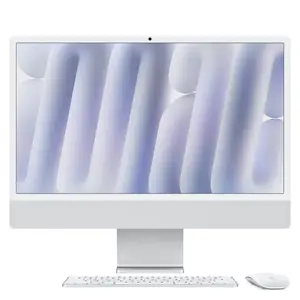
All-in-One PCs for Business and Professional Workspaces
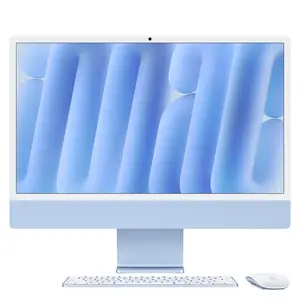
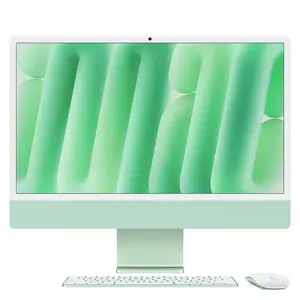
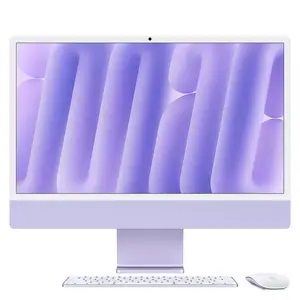
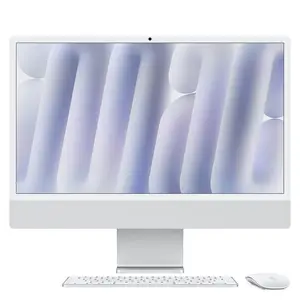
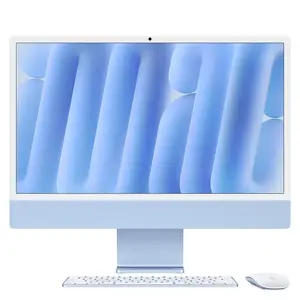
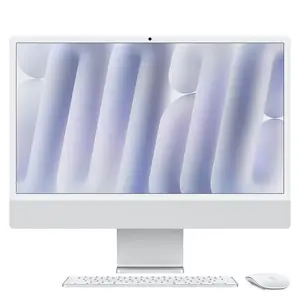
Effortlessly merge design and performance with All-in-One PCs at CANCOM, offering sleek form-factors ideal for modern workspaces, collaboration hubs and executive setups. These devices integrate display, compute, storage and connectivity into a single unit – perfect for clean desks and powerful workflows.
Show more Show less
With features like ultra-wide displays, touch and pen support and versatile connectivity, All-in-One PCs deliver both aesthetics and functionality. Their compact footprint and minimal cabling make them ideal for open-plan offices, reception areas or home offices where style matters.
All-in-One PCs for Modern Office Environments
Business All-in-One PCs are designed for professional environments that value both performance and appearance. They support daily office workloads, video conferencing and collaboration while maintaining a clean, uncluttered workspace.
Powerful Hardware in an Integrated Design
Choose systems that bring together high-end processors, dedicated graphics options and enterprise-ready features, all within an elegant all-in-one chassis. This combination ensures reliable performance for multitasking and demanding business applications.
Frequently Asked Questions About All-in-One PCs
Which workspaces are All-in-One PCs particularly well suited for?
All-in-One PCs are particularly well suited for reception areas, open-plan offices, collaboration hubs and executive workspaces, where a clean, representative appearance matters. Integrating the display, compute and connectivity into a single chassis removes the extra cabling of a classic desktop setup.
What should I consider for the screen on an All-in-One PC?
For professional use — in line with our Business Monitor Guide — displays from 24 inches with Full HD or WQHD resolution are recommended; 32 inches and above with 4K resolution suit multitasking and graphics-intensive work particularly well. Ultra-wide displays with touch or pen input further ease presentations and collaborative work – more in our Business Monitor Guide.
Are All-in-One PCs suitable for video conferencing?
Yes — thanks to their integrated connectivity and compact form factor, All-in-One PCs work well for video conferencing rooms and hybrid meetings. For optimal audio quality, pairing one with a suitable headset is recommended – see our Business Headset Guide.
Which processors suit high-performance All-in-One systems?
For demanding business applications and multitasking, All-in-One PCs with high-end processors and optionally dedicated graphics are well suited. More on choosing a processor (Intel, AMD or Apple) for different team roles in our processor comparison.
Upgrade your workspace with one-unit systems that combine design, performance and business-grade reliability.
All-in-One PCs at a Glance: Which Scenario Fits Whom?
| Deployment Scenario | Ideal For | Typical Characteristics |
|---|---|---|
| Reception areas & open-plan offices | Representative, clutter-free workspaces | Sleek design, minimal cabling |
| Executives & collaboration hubs | Video conferencing, presentations | Ultra-wide displays, touch/pen input |
| Performance-intensive business use | Multitasking, demanding software | High-end processors, dedicated graphics options |
Display and audio recommendations per our Business Monitor Guide and Business Headset Guide.